

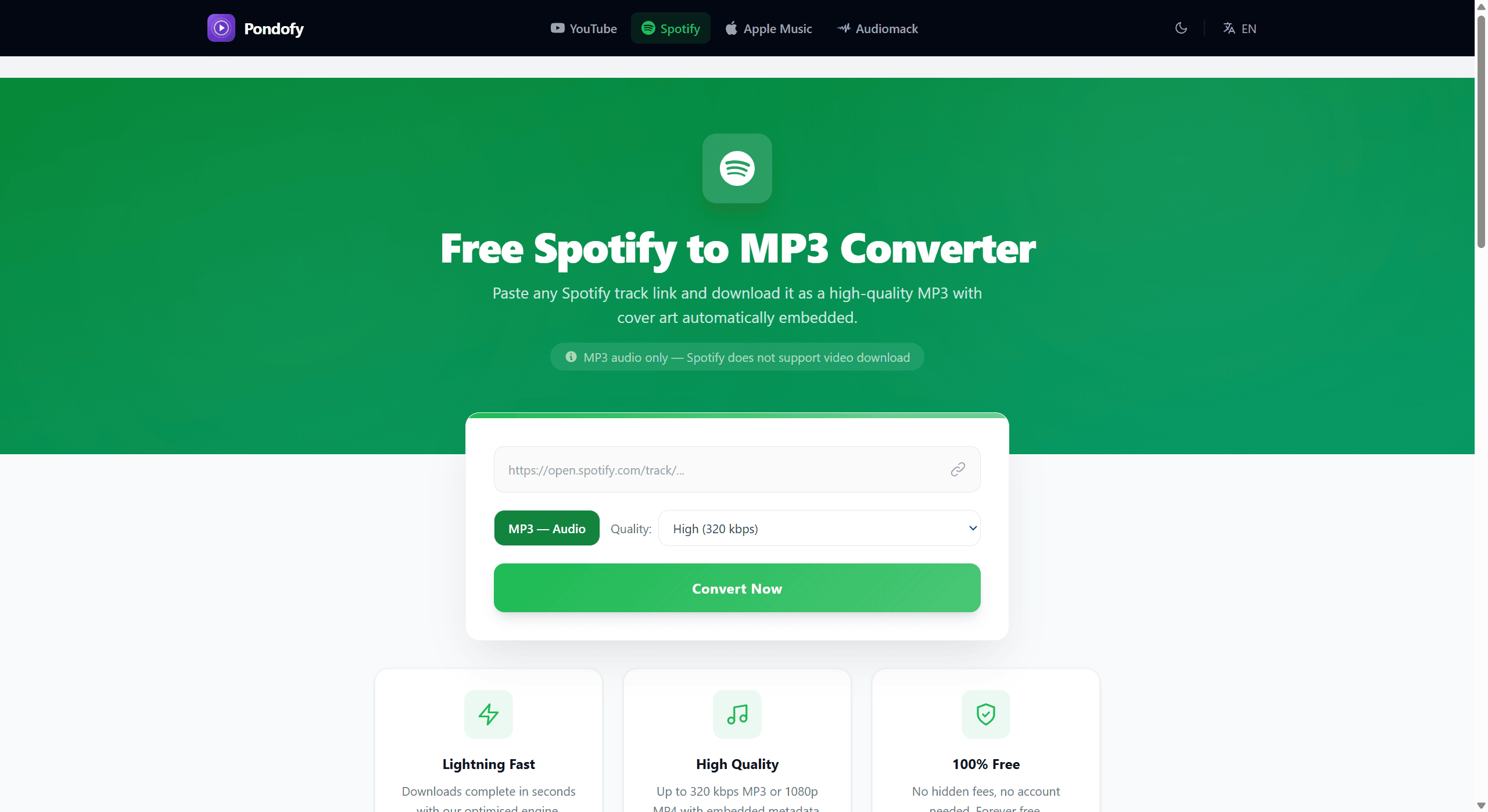
Spotify has grabbed the top spots as an outstanding premier space for discovering fresh music, all aligned with hip-hop, pop, gospel, and rock.
Perhaps streaming relies heavily on a stable internet connection. Users who want to avoid disruption while streaming their favourite playlists and trending songs completely offline without relying on an app should embrace exploring the Spotify to MP3 Converter using a web tool identified as Pondofy.
What is Pondofy?
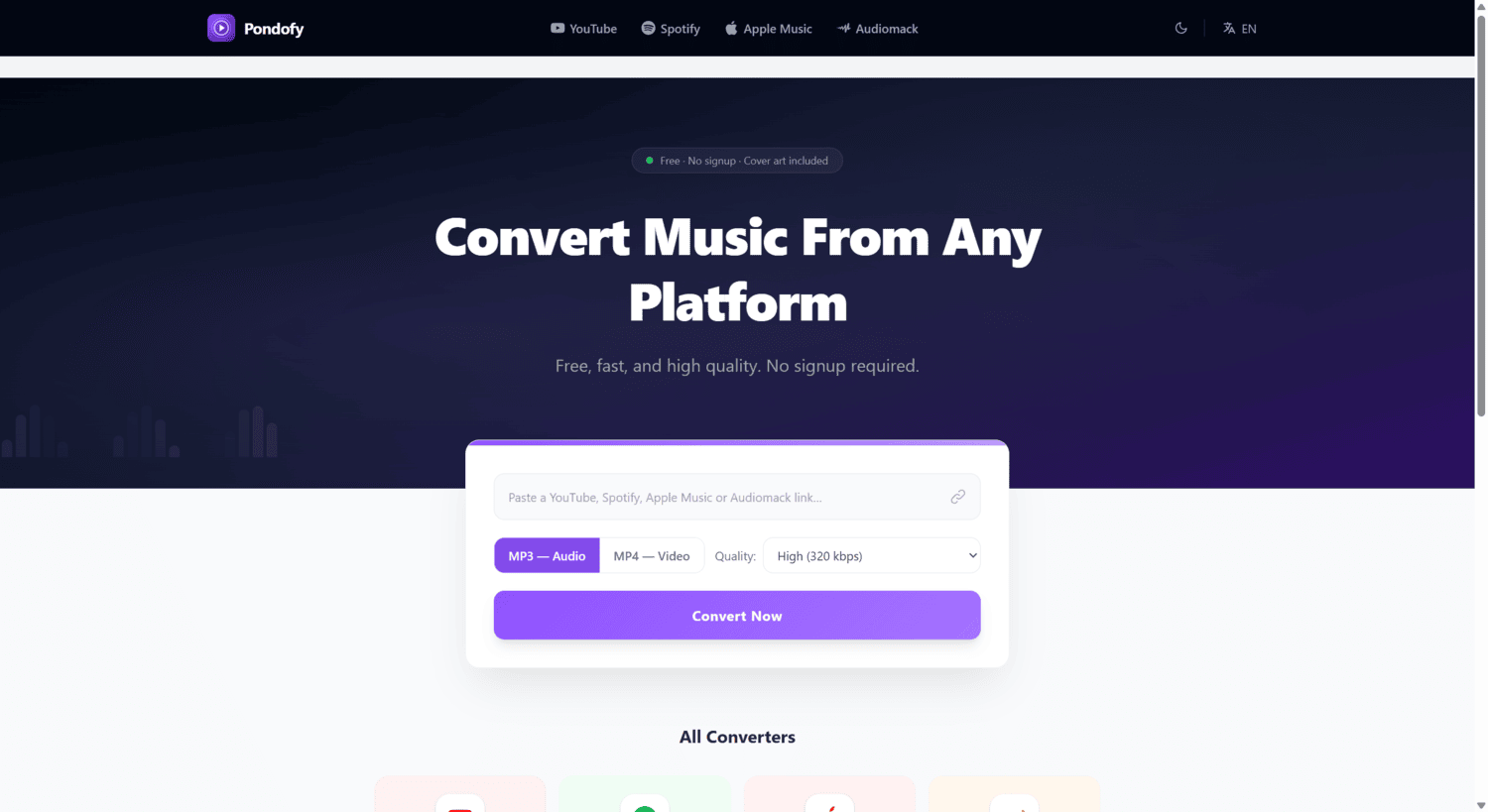
This is a web platform that is coded to help users download their preferred tracks without complicated restrictions, allowing users to attain a full offline listening experience.
Why Pondofy is the Best Tool for the Job
Pondofy offers an incredible free offline experience as it restricts spammy pop-ups or confusing interfaces that users often encounter while streaming their preferred playlists.
- Completely free with zero registration: On Pondofy, users don’t need to go through the profiling stress attached with the provision of an email, sign up for a subscription, or creating an account to access music. The service is entirely free.
- Automatic metadata embedding: Pondofy defeats disorganised audio files. While it’s incredibly beneficial, it automatically attaches the correct ID3 tags to your MP3, ensuring the song title, artist name, and official album cover art are baked right into the file.
- Customizable audio quality: Users can dictate the file size and fidelity by selecting from High (320 kbps), Medium (192 kbps), or Low (128 kbps) download options.
- No software installation required: Downloading tracks is made easy as users don’t need to download clunky apps or browser extensions. Pondofy operates directly in your web browser and is fully compatible across all major operating systems, including Windows, Mac, Android, and iOS.
- Lightning-fast conversions: Pondofy is powered by an optimized backend engine, thereby leaving your files processed and ready to download in mere seconds, boosting its speed credibility.
How to Convert and Save Your Audio in 3 Simple Steps
The conversion process is designed to be as effortless as possible. Here is how you can secure your files:
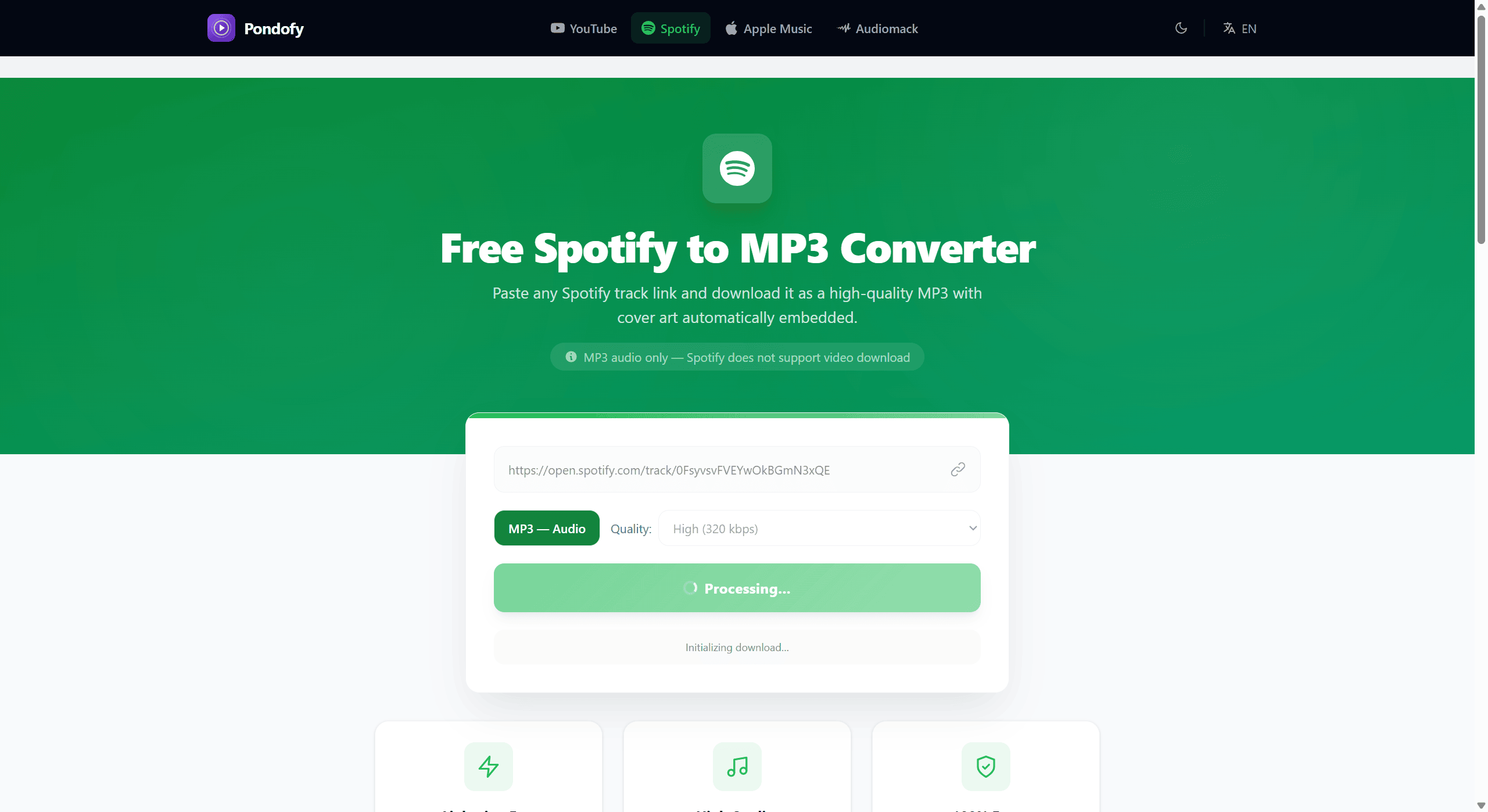
- Locate your music: Explore through Spotify and navigate to the preferred song, playlist, or album you want to save. Users can also explore through the search bar to find specific artists or simply browse the trending charts and genre playlists.
- Copy the track URL: While on the dedicated page for the track, copy the web address directly from your browser’s top bar. Also, users can hit the Share button on Spotify’s interface and choose “Copy link”.
- Convert to MP3: Paste the copied URL into the designated input box on the Pondofy website, select your preferred sound quality, and tap “Convert Now”. It will process the command and provide users with an MP3 version ready for download with its original artwork intact.
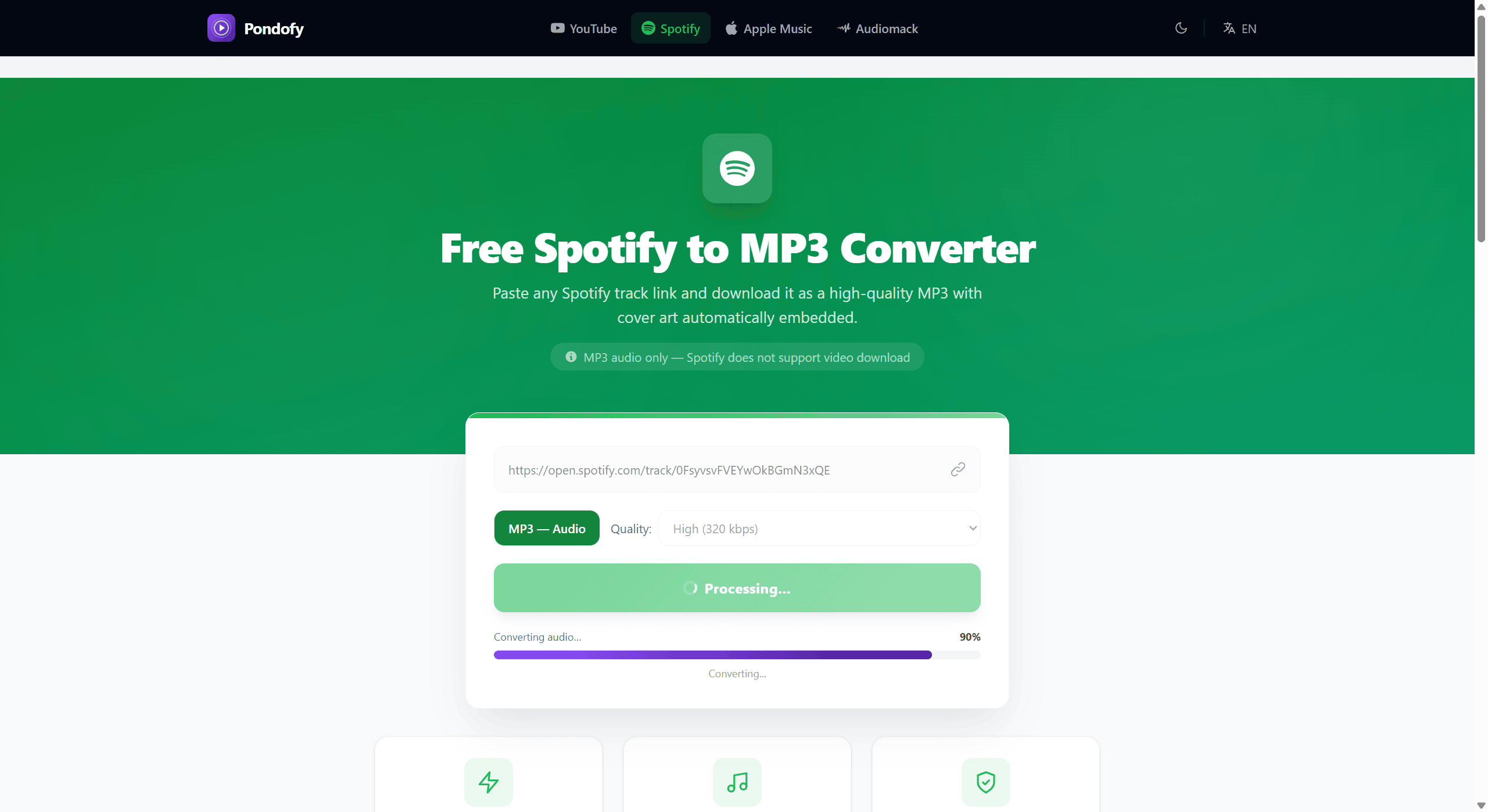
Note: Pondofy exclusively extracts audio, as Spotify is an audio-centric platform and does not support video downloads.
Enjoy Your Music Offline, Anywhere
With the view of Spotify’s incredible dominance, it hosts an incredible array of music, from mainstream pop and rock to underground Amapiano and Afropop, which many users enjoy. Using a platform like Pondofy effortlessly transitions preferred tracks from the cloud to local storage.
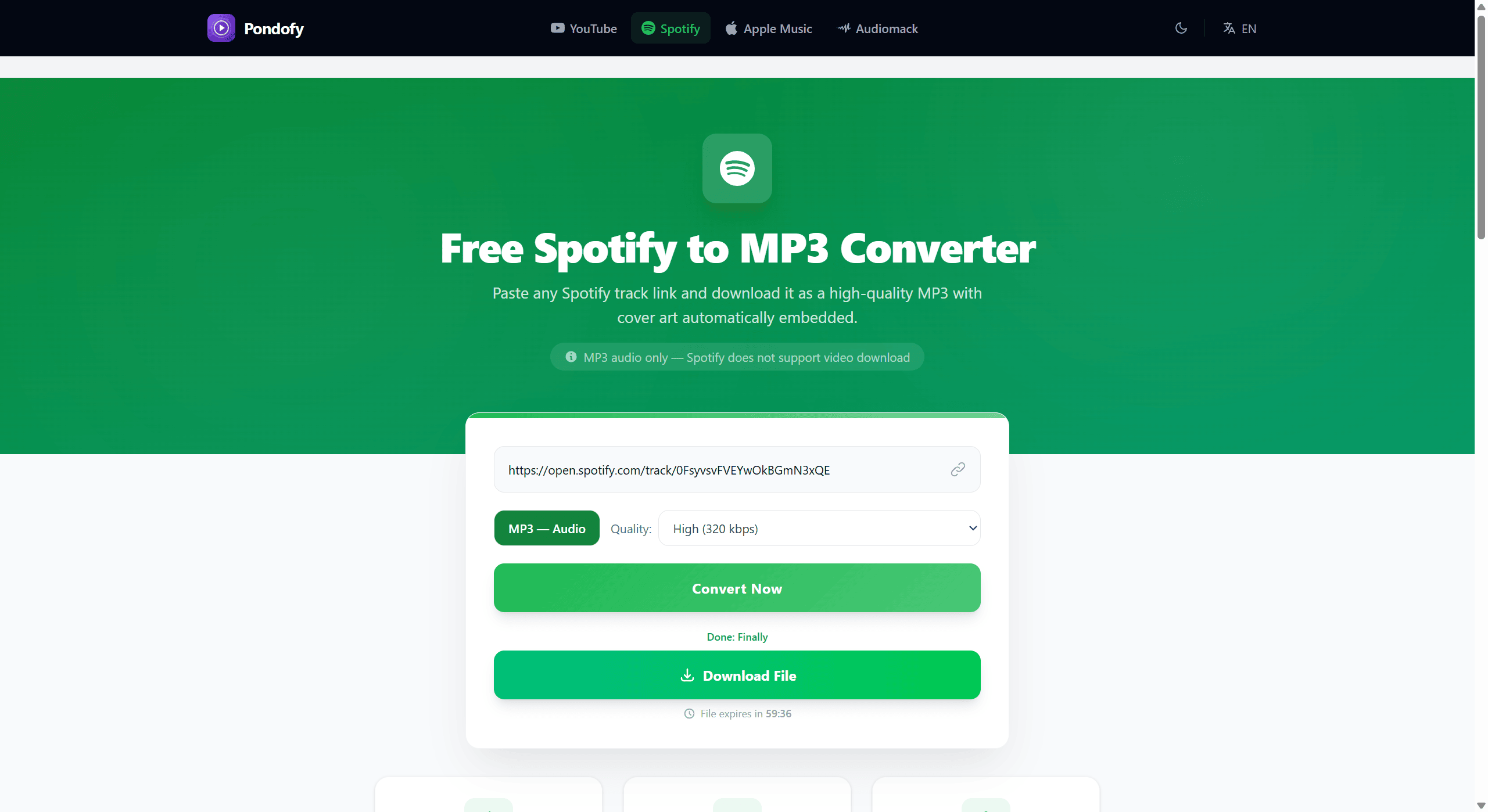
This platform also endows users with the freedom to build a personal offline library and listen on any device or media player without any internet subscription.
Copyright Caution
Please note that downloading copyrighted music without permission from the creator or rights holder may violate local copyright laws and the platform’s terms of service. Users should ensure that they have appropriate rights, permissions, or licenses to download and use the audio and restrict usage to personal, non-commercial listening unless the content is explicitly in the public domain or royalty-free.

























Comments (0)
Sign in to like, reply, or post comments